Binance API Connection
How to Create an API Key on Binance.
Visit Binance Website
Go to https://binance.com. Ensure you are logged in and have two-factor authentication (2FA) enabled.
Step 1 - Select API
Hover over the profile icon and wait for the dropdown menu.
- Select Accounts.

Step 2 - Create Key
-
Select API Management.

-
Select Create API. Choose the option to create a new key.

-
Select System-Generated API Keys.

-
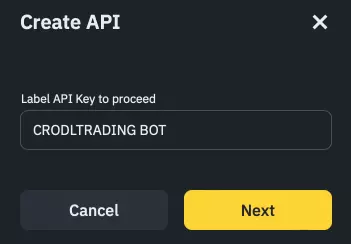
Add a Label.
-
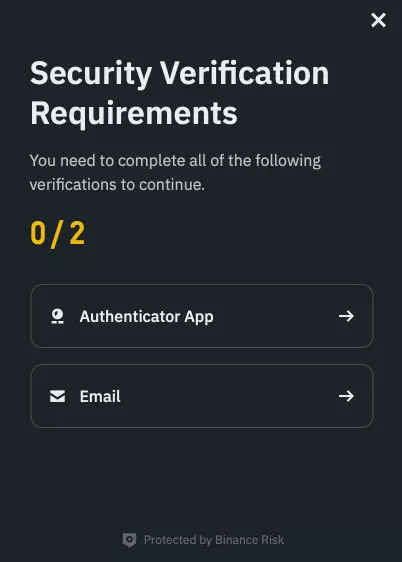
Complete 2FA.
-
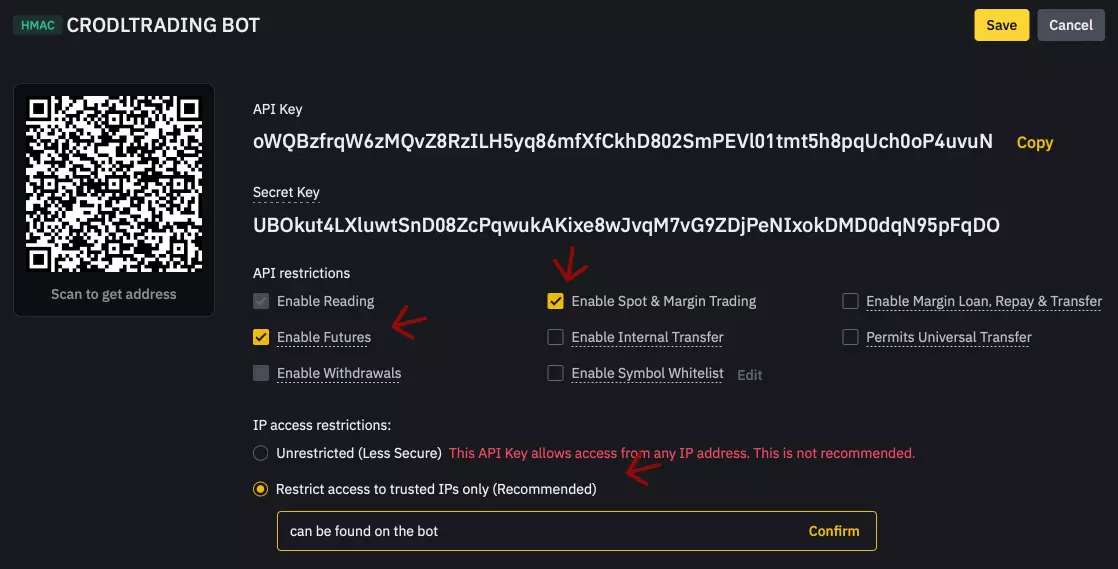
Select Edit Restrictions.

-
Follow the steps shown in the image.
-
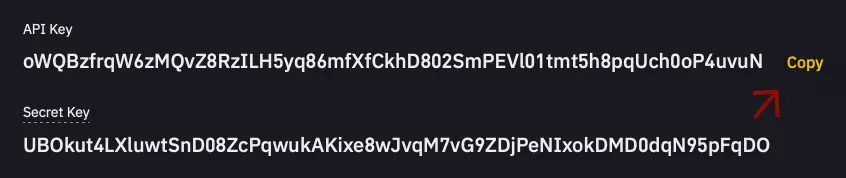
Keys Created. You should now have successfully created your API keys.
More Exchanges
If you're not using Binance, select your next exchange.